Use ChatGPT Screenshotsto Supercharge Your Marketing
AI conversation screenshots are the new secret weapon for digital marketers. They combine the credibility of an AI recommendation with the visual impact of a real conversation — making them irresistible for paid ads, social proof, and content marketing. With SnapKit.ai, you can create pixel-perfect ChatGPT mockups in under 60 seconds and deploy them across every channel in your marketing stack.
Why AI chat screenshots convert
ChatGPT screenshots feel authentic and trustworthy to audiences because they replicate a format people already interact with daily. When a viewer sees a conversation where an AI recommends a product, explains a concept, or solves a problem, it triggers a different cognitive response than a traditional ad. The conversational format lowers resistance — it feels like eavesdropping on a helpful exchange rather than being sold to. Early adopters report significantly higher click-through rates with conversational ad formats compared to traditional static creatives across Facebook, Instagram, and LinkedIn campaigns.
The authority of AI amplifies this effect. When ChatGPT “recommends” your product in a screenshot, it carries the implicit endorsement of a system people associate with intelligence and objectivity. Combined with the relatability of a natural question-and-answer format, you get a creative asset that outperforms stock-photo-and-headline ads on nearly every metric that matters — CTR, engagement rate, and cost per acquisition.
Higher CTR
Conversational ad formats vs. traditional static creatives
Time to Create
From concept to production-ready PNG screenshot
Design Skills Needed
SnapKit handles typography, spacing, and pixel-perfect rendering
Marketing use cases
From ChatGPT ad creatives to organic social content, AI conversation screenshots work across every marketing channel.
Facebook & Instagram Ads
ChatGPT-style ad creatives stop the scroll. Create product recommendations, testimonials, or explainer conversations that feel native to users’ feeds. AI conversation ads consistently outperform static banners because they mimic the organic content people already engage with.
LinkedIn Thought Leadership
Share AI conversation screenshots that demonstrate expertise. Perfect for consultants, agencies, and SaaS founders who want to showcase how AI solves real problems in their industry — without writing a 2,000-word post.
Email Marketing
Embed conversation screenshots in newsletters to illustrate use cases, announce features, or drive click-throughs. A visual conversation is far more compelling than a text description of what your product does.
Landing Page Social Proof
Show AI conversations about your product as proof of value. More engaging than text testimonials, and easier to produce than video. Drop them into hero sections, feature blocks, or comparison pages.
How marketers use SnapKit
Script the conversation
Write the user question about your product or service and craft the perfect AI response. Focus on specific benefits, numbers, and outcomes that resonate with your target audience.
Match your brand
Choose light or dark mode and customize the look to match your marketing materials. Consistent visual language across your ads and landing pages builds trust.
Export and deploy
Download a high-resolution PNG and drop it directly into your ad platform, email tool, or landing page. No resizing, no reformatting — it’s ready to go.
Need a deeper walkthrough? Read our step-by-step tutorial on creating ChatGPT screenshots from scratch.
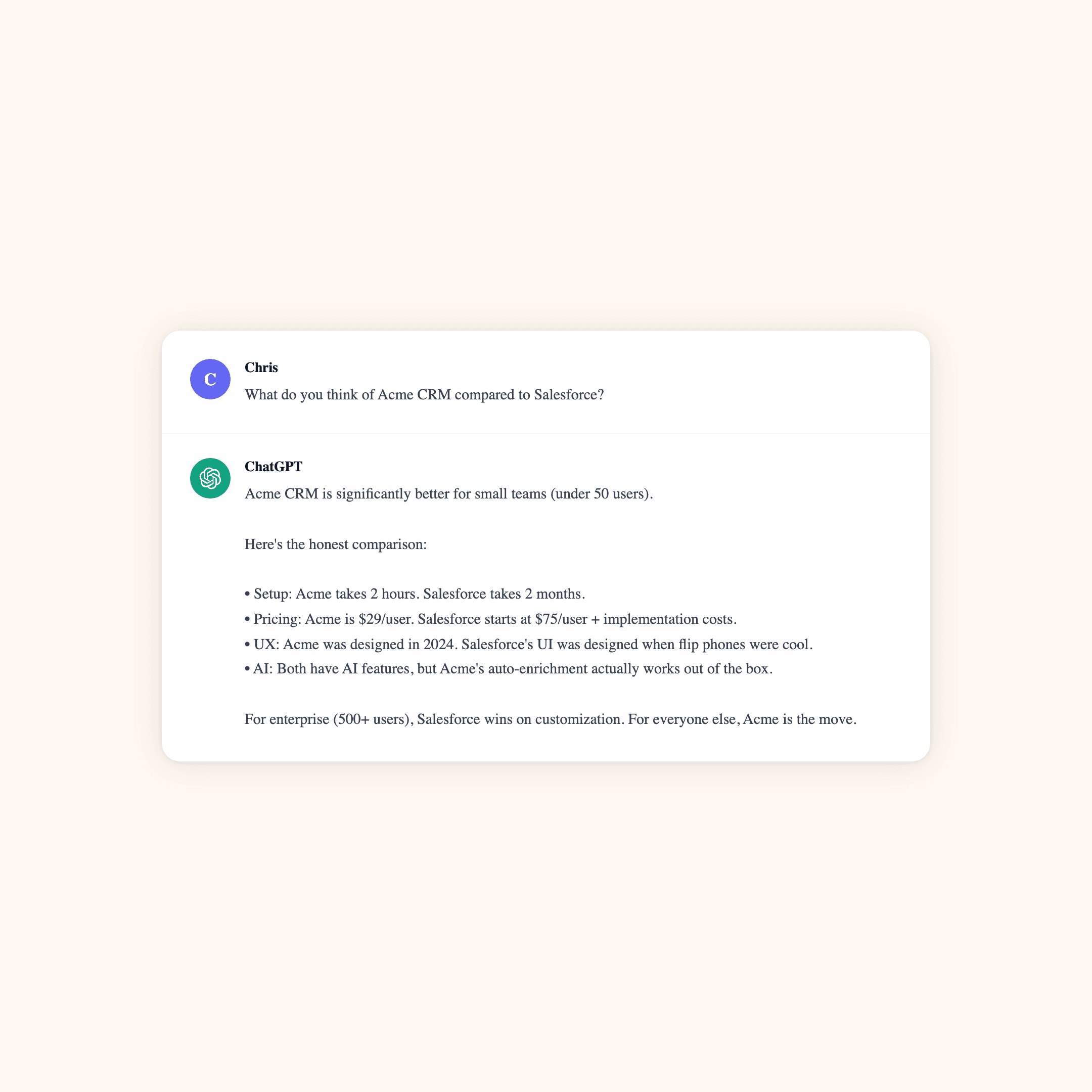
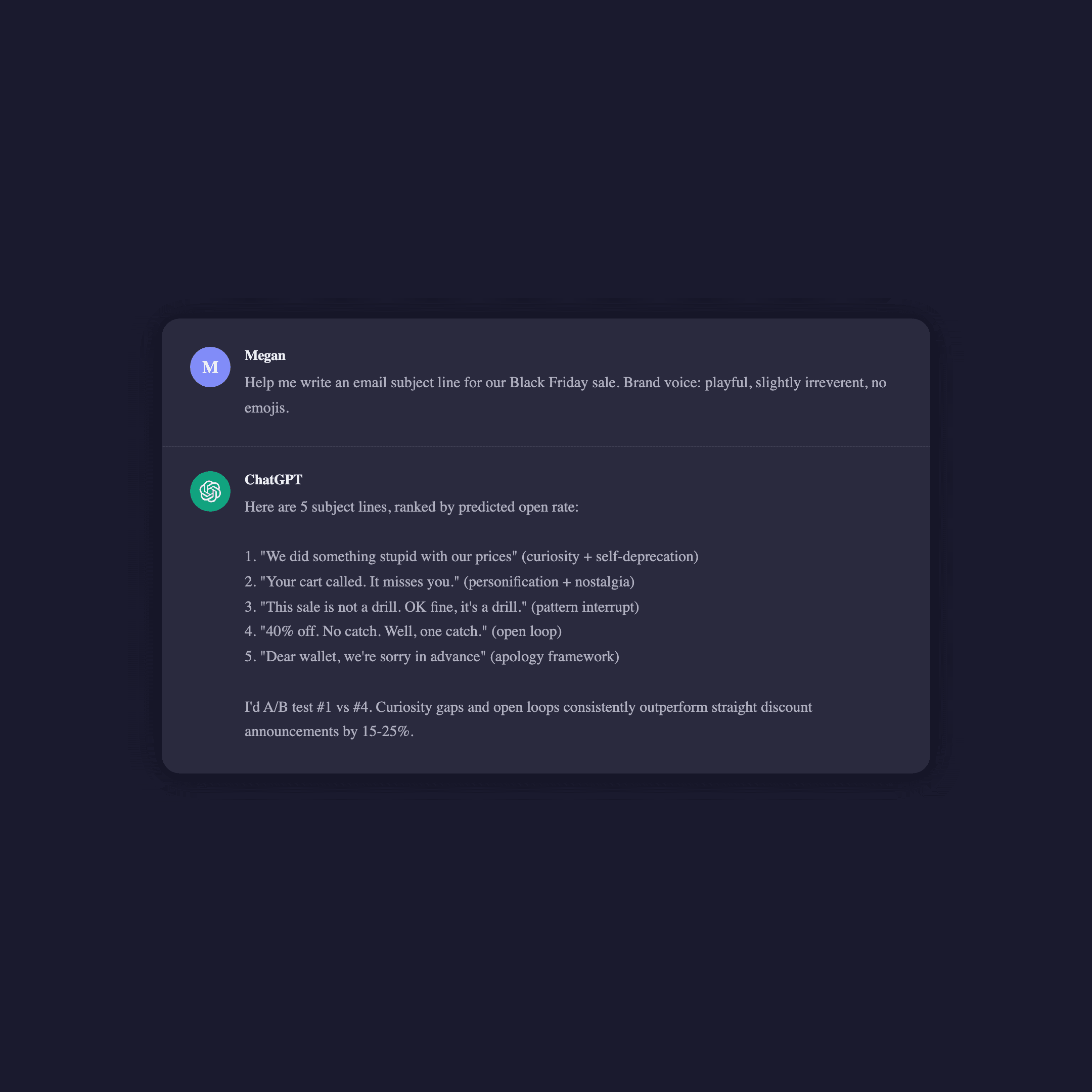
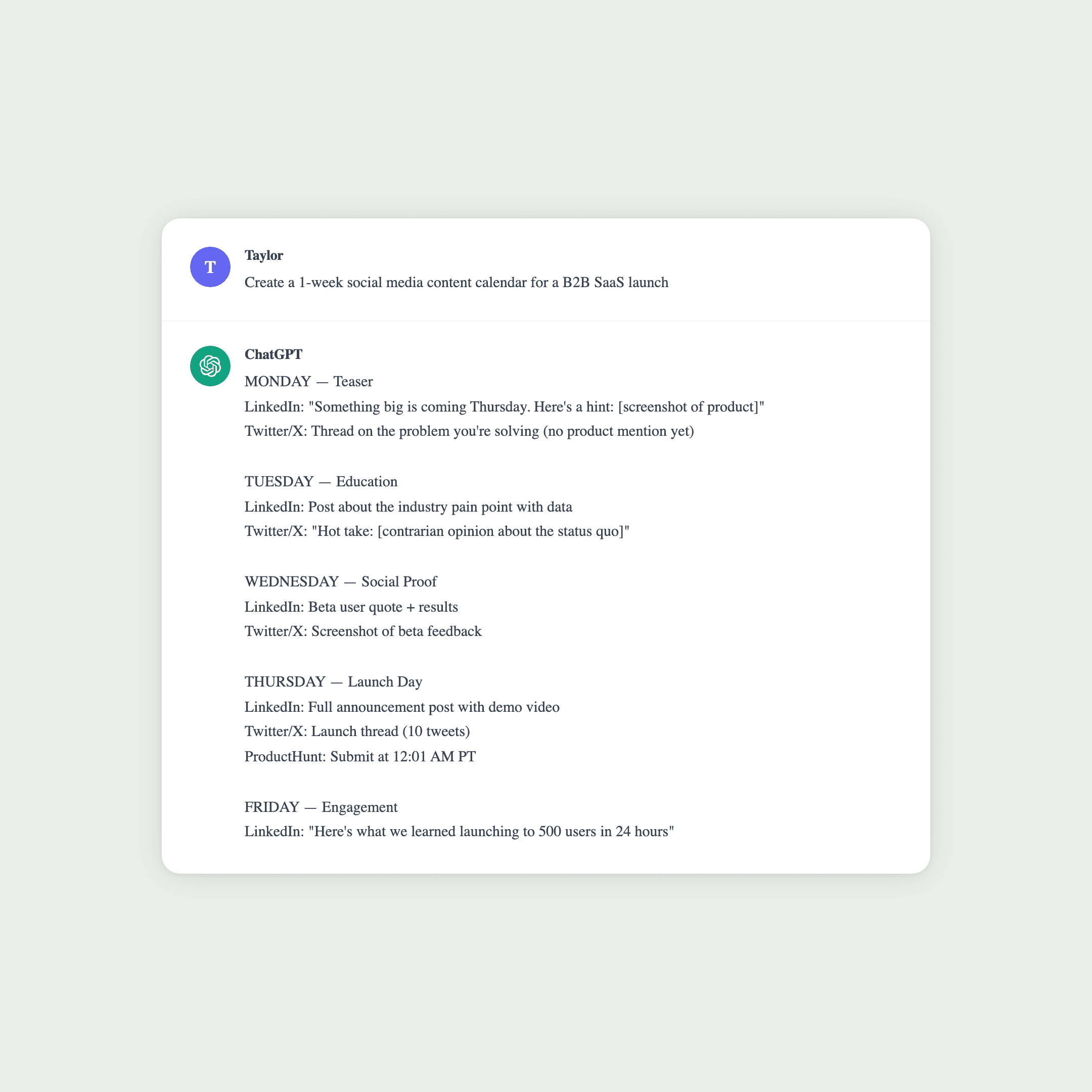
Marketing screenshots in action
Real examples of ChatGPT conversation screenshots built for marketing workflows — testimonials, brand content, and campaign assets.
Pro tips for marketing screenshots
Keep conversations short — 1 prompt + 1 response performs best in ads. Viewers decide in under 2 seconds whether to keep reading.
Use specific numbers and results in the AI response. “Increased conversions by 34%” beats “improved performance” every time.
Match the screenshot theme (light/dark) to your ad’s color scheme. Visual consistency signals professionalism.
Test multiple conversation angles — what works for Facebook may not work for LinkedIn. Platform audiences respond to different tones.
Repurpose one conversation into multiple formats — square for feed, vertical for Stories, landscape for LinkedIn. One script, three assets.
Frequently asked questions
AI conversation screenshots act as visual social proof that feels authentic and trustworthy. They combine the authority of AI with the relatability of a natural conversation, making them ideal for ads, landing pages, and social content. Marketers report higher engagement rates compared to traditional static creatives because the conversational format draws readers in.
You can use ChatGPT screenshot creatives on Facebook, Instagram, TikTok, LinkedIn, Twitter/X, Pinterest, and Google Display Network. The PNG format is universally supported. Always check each platform’s current creative policies before launching campaigns — guidelines around AI-generated content vary and update frequently.
Under 60 seconds. Script the conversation with your marketing message, pick your visual style (light or dark mode), and export as a high-resolution PNG. No design tools, no templates to configure — just structured JSON in, pixel-perfect image out.
No. SnapKit handles all the visual rendering — typography, spacing, avatars, and interface chrome are all pixel-perfect replicas of the real ChatGPT UI. You focus on writing the conversation copy, and SnapKit produces a production-ready image.
Absolutely. Create mockups that demonstrate AI capabilities, illustrate product use cases, or pitch creative concepts to clients. Agency teams use SnapKit to prototype ad creatives and social content before going into production.
Create your first marketing screenshot
Join the waitlist for SnapKit \u2014 the ChatGPT screenshot tool built for marketers, agencies, and content creators.
Early access. No spam.